
AI facets & the facet review
To group products well, you need to know what they are — their style, occasion, material, and so on. AI facets figures that out for you: the app builds a facet vocabulary tailored to your store, then classifies every product into it. Those facets become filterable properties you can build collections from. The facet review page lets you check the AI's work and correct it — and your corrections train it to do better next time.
1 Open the facet review
From the dashboard, click Review AI facets. You'll see your products with the facet values the AI assigned to each, grouped by dimension (e.g. Style, Occasion, Material).

2 Check the assigned facets
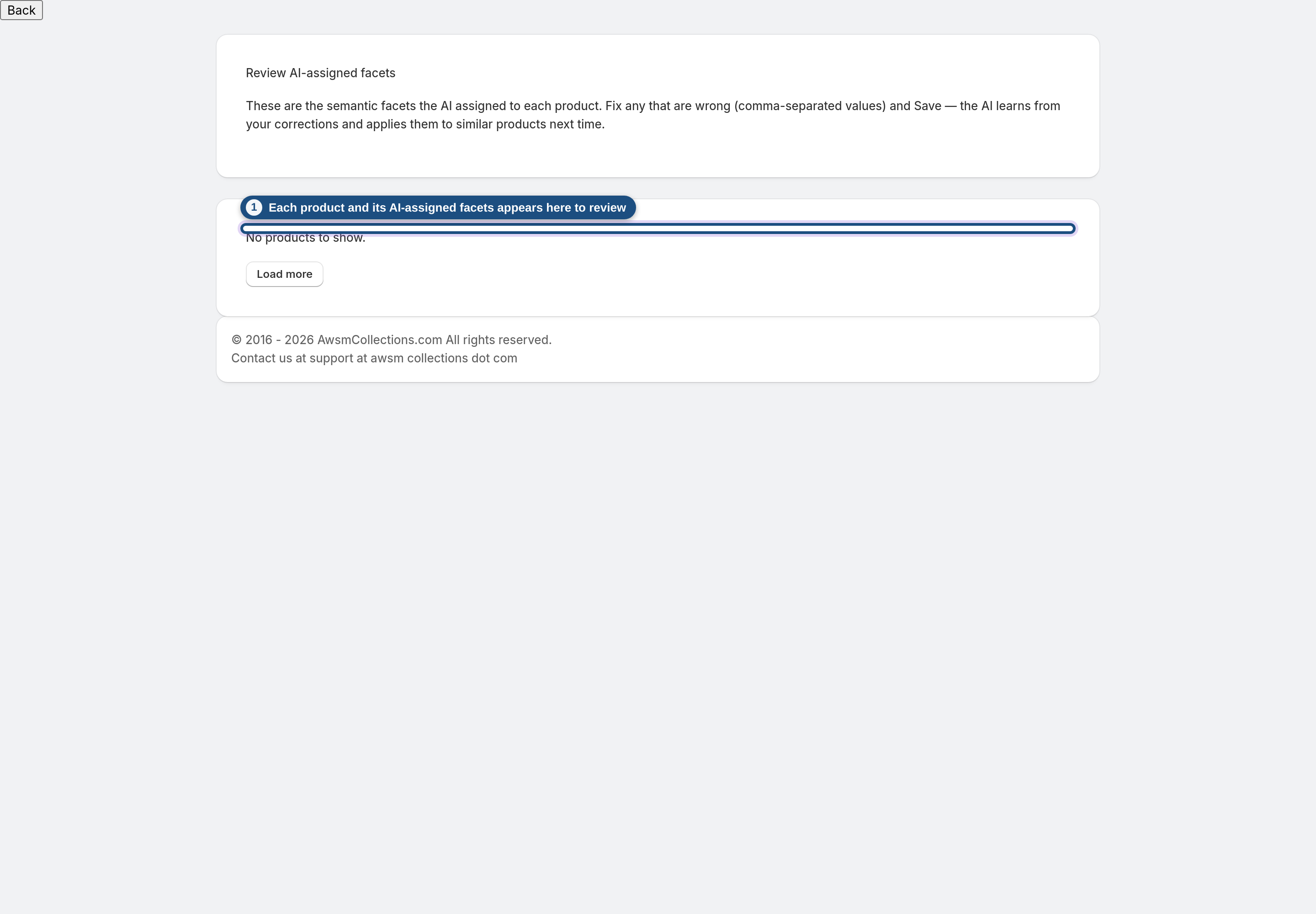
Each product shows its image, title, and the AI-assigned values per dimension. Scan for anything that looks off — this is the AI's best guess, and you have the final say.
3 Correct a facet
Each dimension is an editable field on the product's row: fix any value that's wrong and click Save on that product. Curious how the AI decided? Why these facets? shows its reasoning. Beyond fixing that product, your correction is fed back to the classifier as an example — so the AI gets more accurate on your catalog over time.
4 Use facets as collection rules
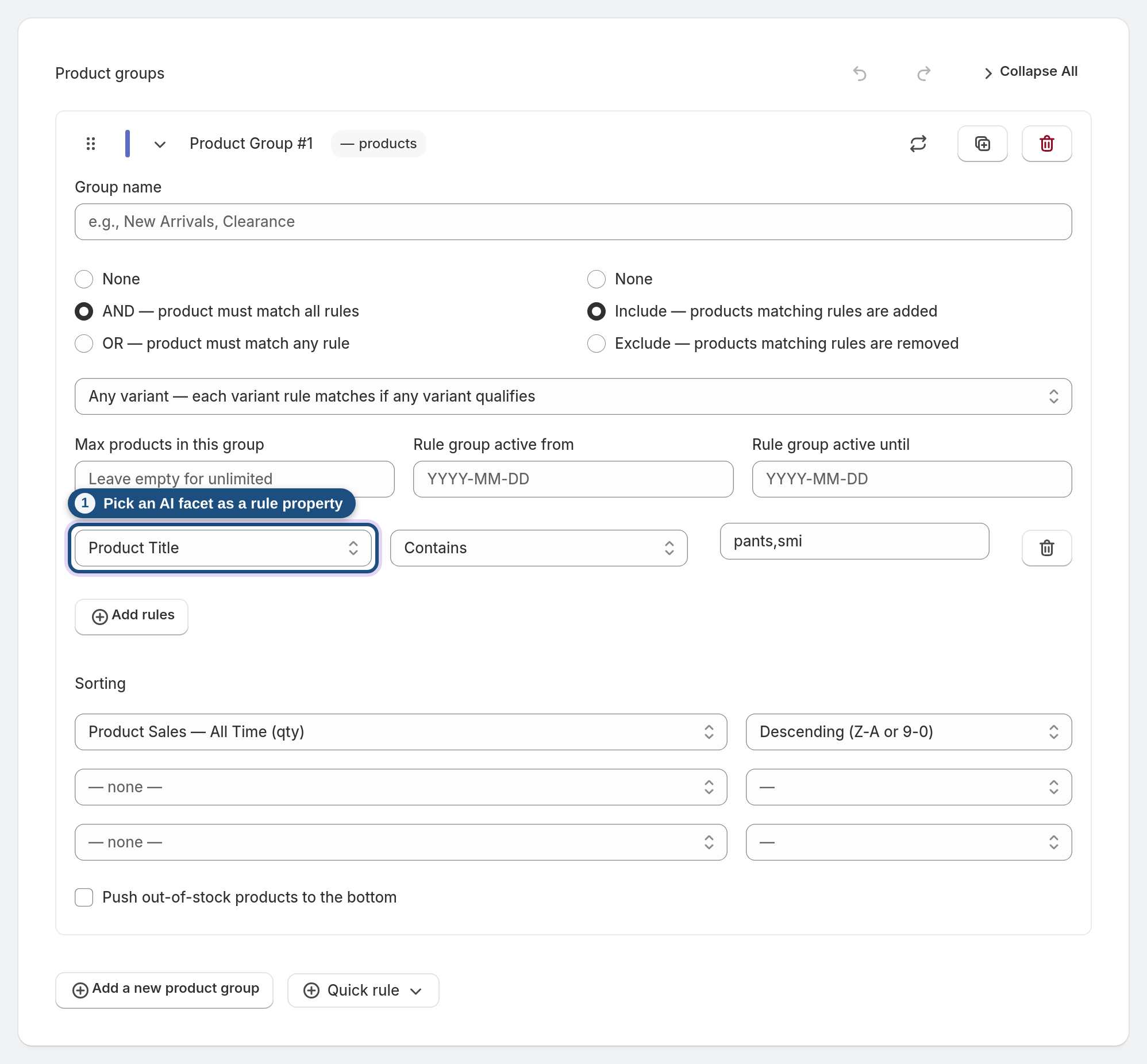
In the collection editor, AI facets appear as rule properties (grouped under AI Facets in the property list), so you can build collections like "Style is Minimalist and Occasion is Wedding" without manually tagging anything.
5 Let the catalog re-analyze itself
You don't have to run anything. The app enriches your catalog automatically in the background — when you install, and again whenever products are added or changed — rebuilding the facet vocabulary and re-classifying products as they move. While an analysis is running, a progress indicator appears on the dashboard; when it's done, the new facets simply show up in the review and in your rule properties.
Frequently asked questions
What are facets, exactly?
Structured attributes the AI infers about each product (style, occasion, material, etc.), drawn from a vocabulary built specifically for your store — so they fit your catalog, not a generic list.
Do my corrections actually change anything?
Yes. Besides fixing that product, recent corrections are shown to the classifier as examples, so it learns your preferences and improves.
How do I filter a collection by a facet?
Add a rule in the collection editor and pick the facet as the property — same as filtering by tag or type.
Are facets written to Shopify?
Yes — they're saved as product metafields, so they're durable and usable elsewhere too.
Which plan includes AI facets?
Facet enrichment and review are part of the AI toolkit on the Pro and Enterprise plans.
