
Auto-fill a collection with AI suggestions
A thin collection is a missed sale. Auto-fill suggestions looks at the products already in a collection and finds the ones most similar to them that aren't in it yet — so you can round out a sparse collection in a couple of clicks instead of hunting through your catalog.
1 Open the collection editor
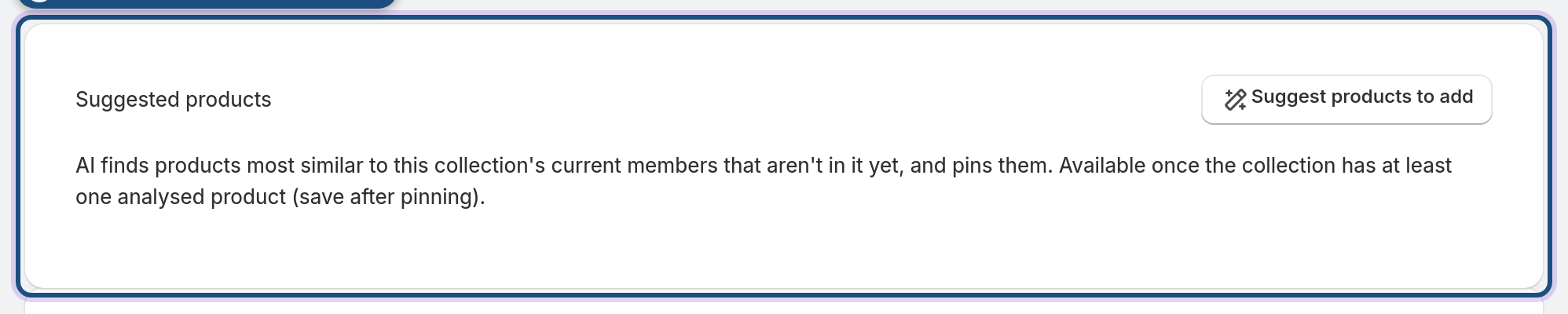
Open the collection you want to fill out and find the Suggested products section.
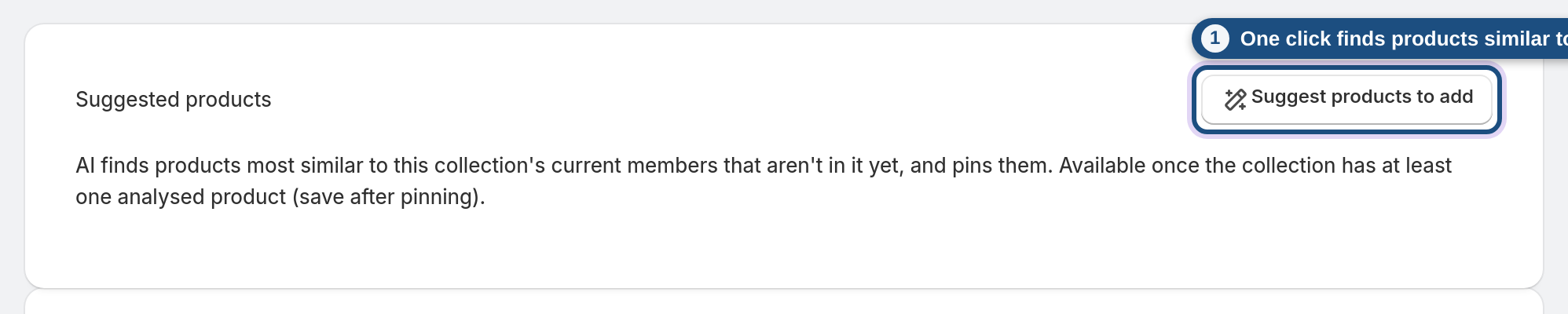
2 Suggest products to add
Click Suggest products to add. The app builds a profile from the collection's current members and returns the closest matches that aren't already in it, each with a match percentage.
3 Pin the ones you want
Click Pin on any suggestion to add it to the collection's pinned products, then click Save collection to keep it.
Frequently asked questions
How does it choose suggestions?
It averages the "meaning" of the products already in the collection and finds the closest matches elsewhere in your catalog — so suggestions fit the collection's theme.
Why does it say there's nothing to suggest?
The collection needs at least one analyzed product to build a profile from. Add a product (or run catalog analysis) and try again.
Are pinned products permanent?
They stay until you remove them. Pinning is how you force a specific product into a collection regardless of the rules.
Does adding suggestions change my rules?
No — suggestions are added as pinned products, which sit alongside your rules rather than changing them.
Which plan includes it?
Auto-fill suggestions are part of the AI toolkit on the Pro and Enterprise plans.
